> ## Documentation Index
> Fetch the complete documentation index at: https://paxos-0ac97319-jg-test-1.mintlify.site/llms.txt
> Use this file to discover all available pages before exploring further.
# Manage Payouts
> Set or update a payout address.
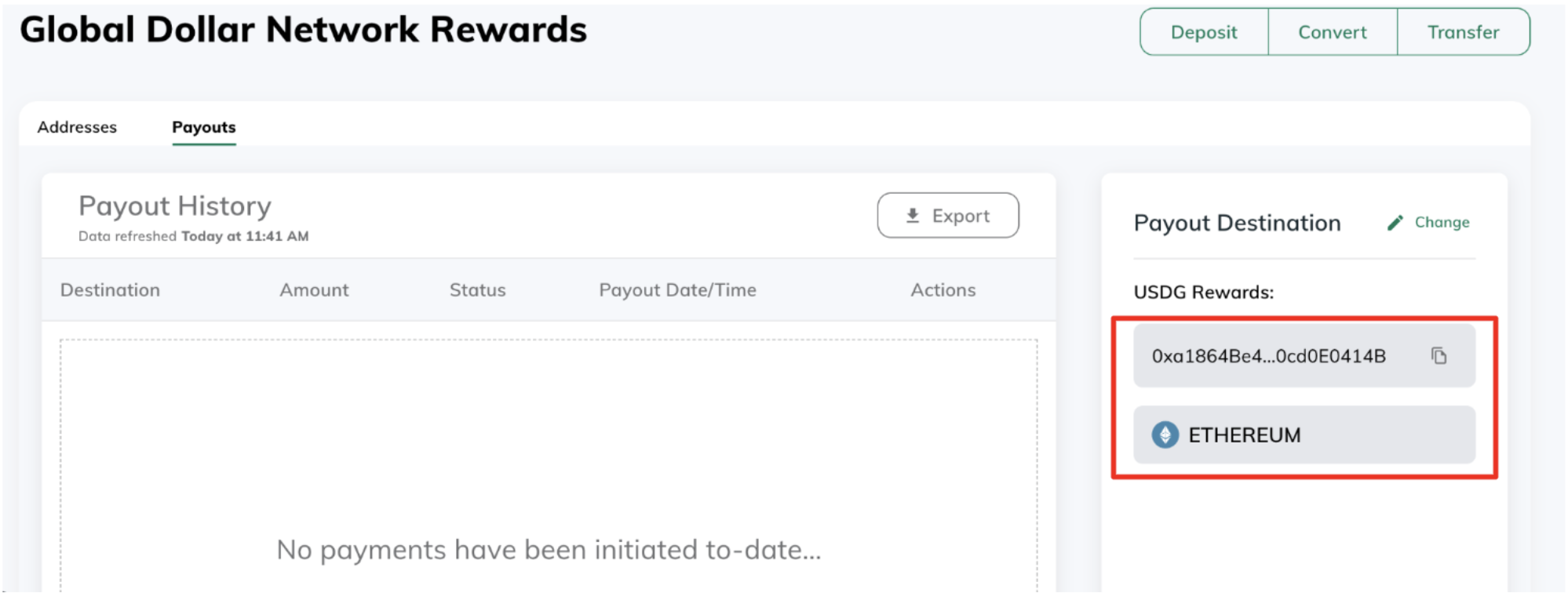
### What is a payout address?
Your **payout address** is the address where Paxos will send your monthly USDG rewards. You must select one existing [withdrawal address](https://docs.paxos.com/dashboard/addresses) to designate as a payout address. Ethereum and Solana networks are currently the only networks supported for payouts.
You must set a payout address by month end in order to receive rewards. If you do not set a payout address before month end, your rewards will be deferred until the following month.
### Set or update your payout address
Required permissions
* To set a payout address, you need a role with the **update payout address** permission (i.e. Treasurer) to perform this action.
* To view a payout address or statement, you only need a role with the **view payout address** permission and “view statement” permission (i.e. Entity Manager and Viewer roles).
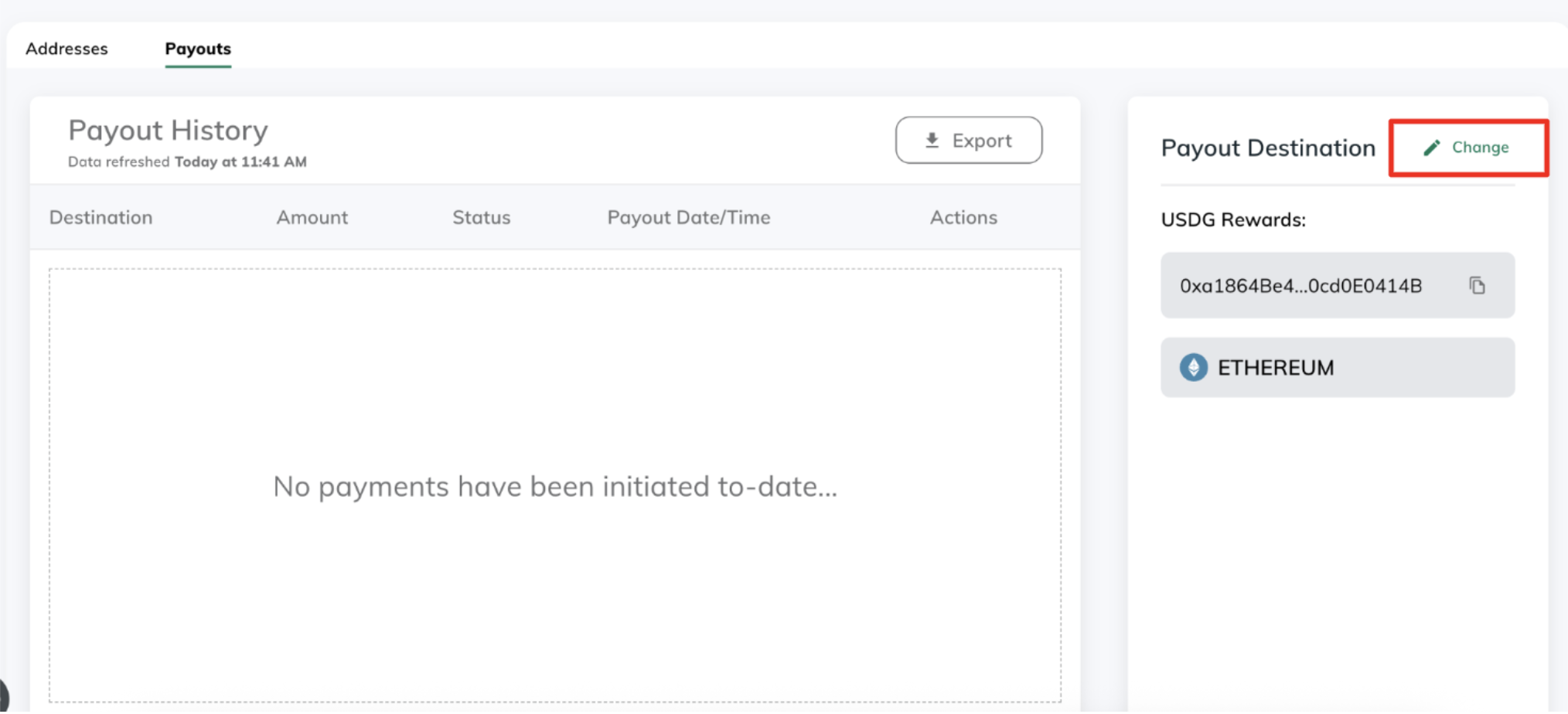
1. Go to the **Rewards** tab in the Paxos Dashboard
2. In the **Payout Address** section, click the dropdown on the right
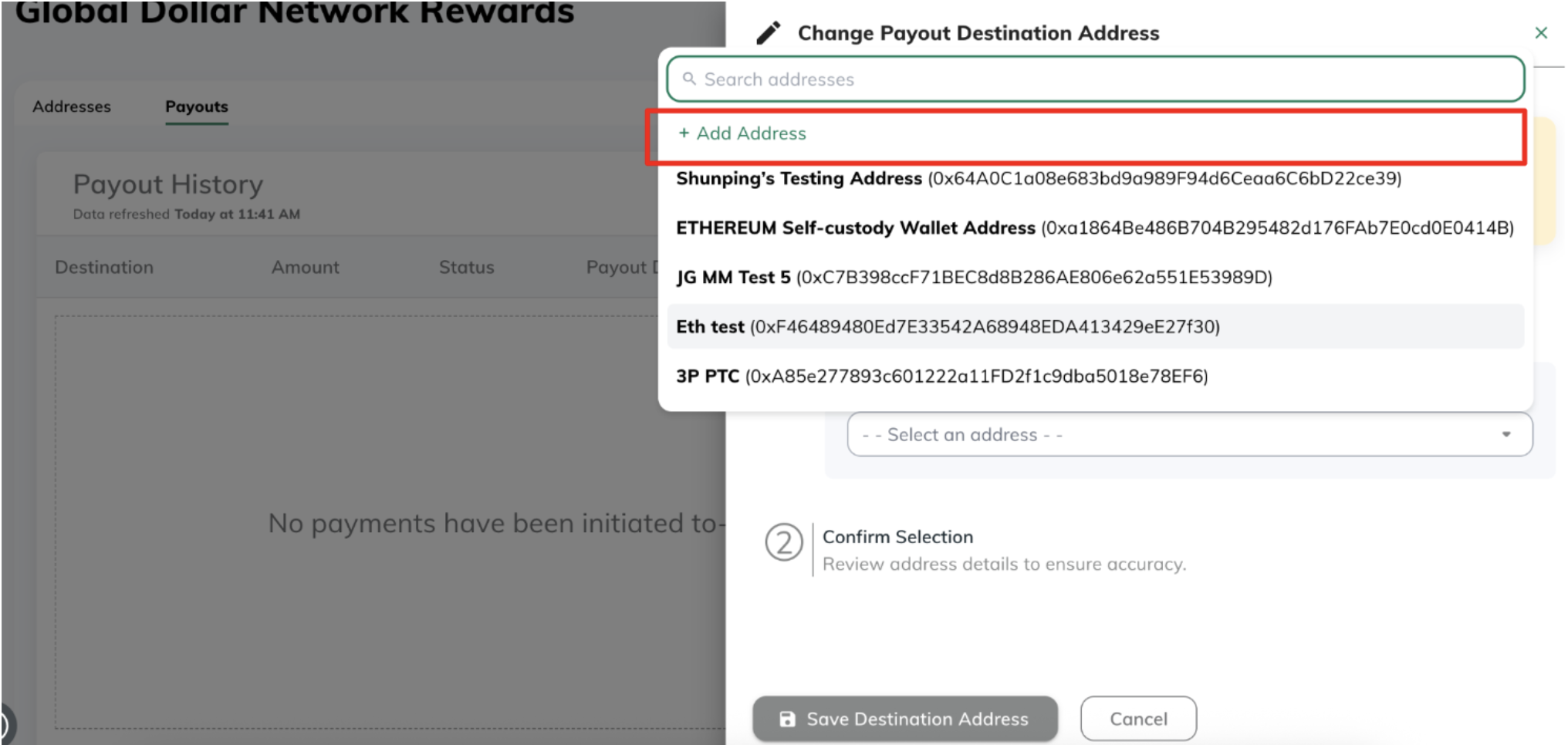
3. Choose an existing withdrawal address, or click **Add new address**
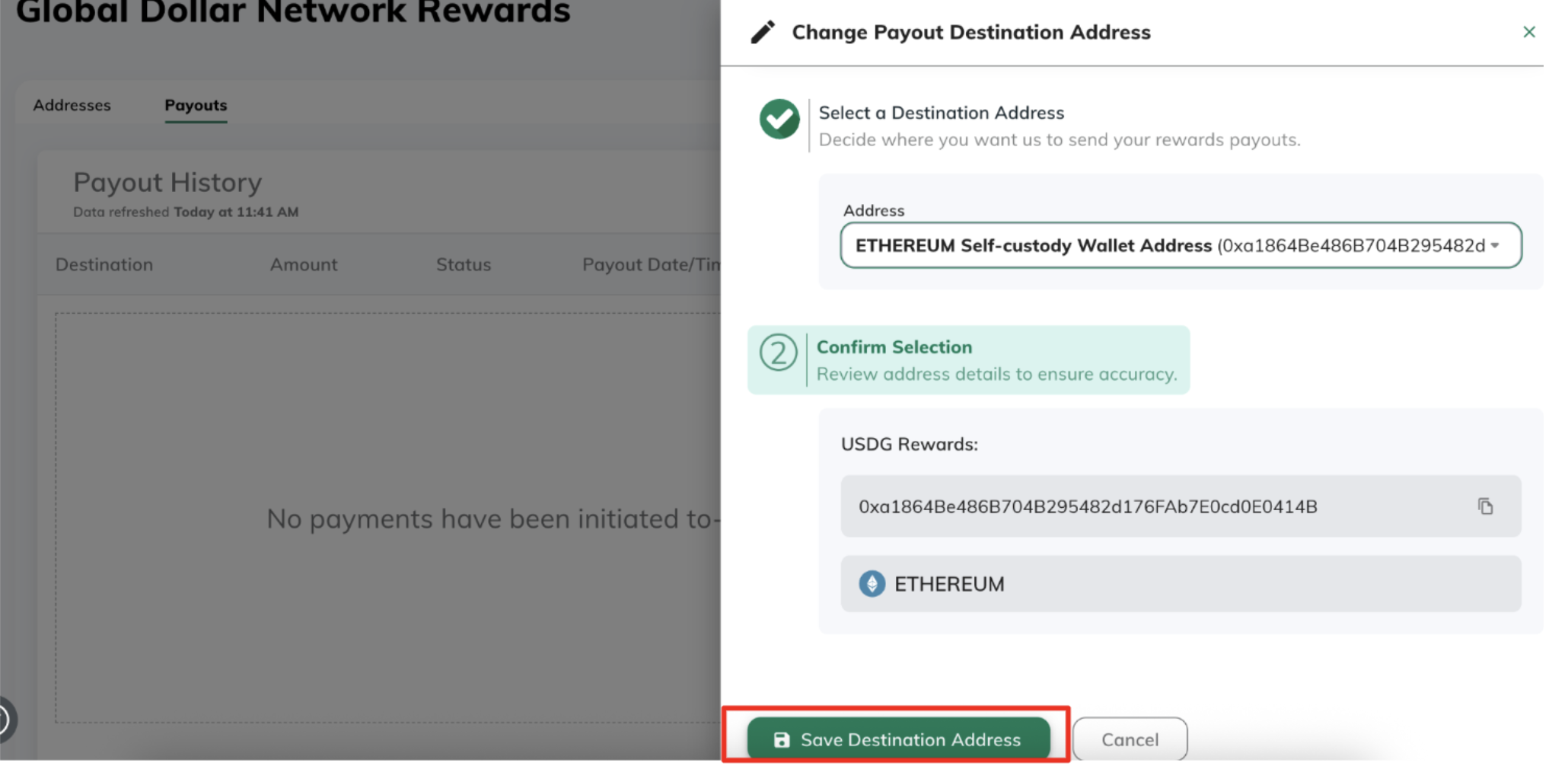
4. Click **Submit**
## View your active payout address
See your configured address, network, and last update timestamp.